Local AI guides for iPhone.
Start with the workflow you need: AI without internet, on-device AI, GGUF model imports, local LLMs, Llama, Gemma, offline voice/TTS, and privacy.
Start with the clearest path.
These guides are for people who already know they want private, offline, or model-controlled AI on iPhone.
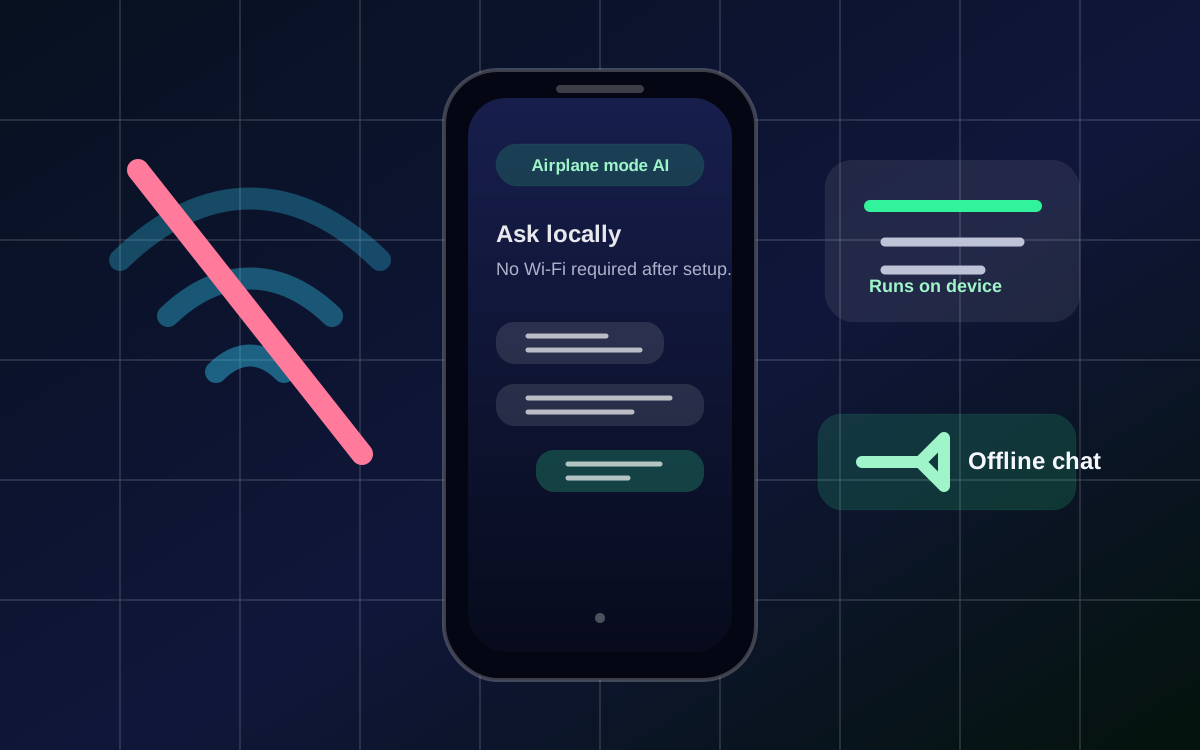
AI without internet on iPhone
Use supported local models when Wi-Fi or cellular data is unavailable.
Read guide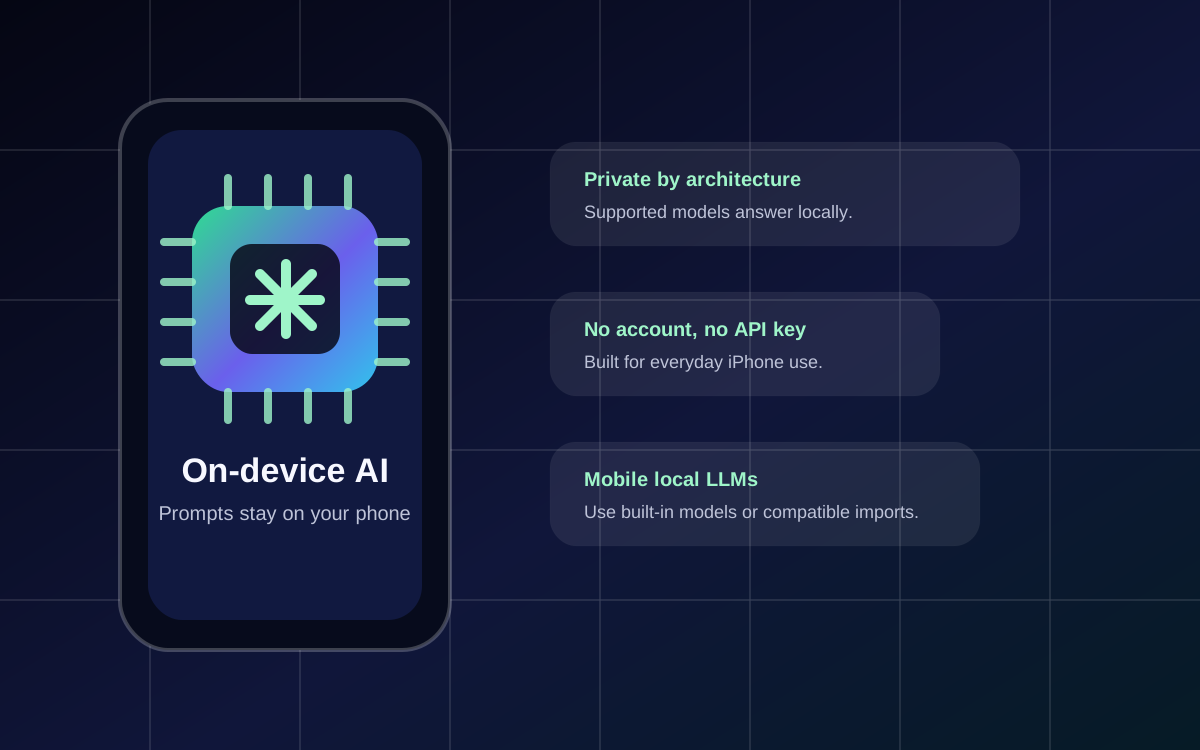
On-device AI for iPhone
Run supported AI workflows locally instead of sending every prompt to the cloud.
Read guide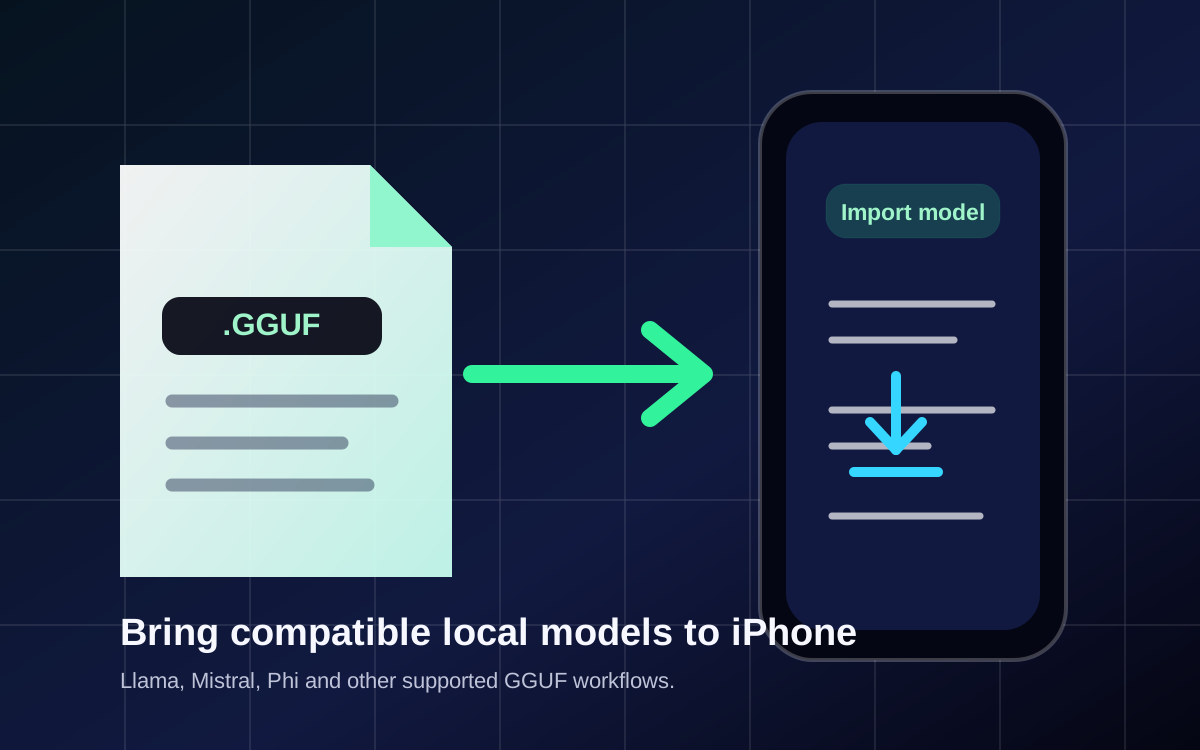
GGUF iPhone app
Import compatible local LLM model files by URL for more model control.
Read guide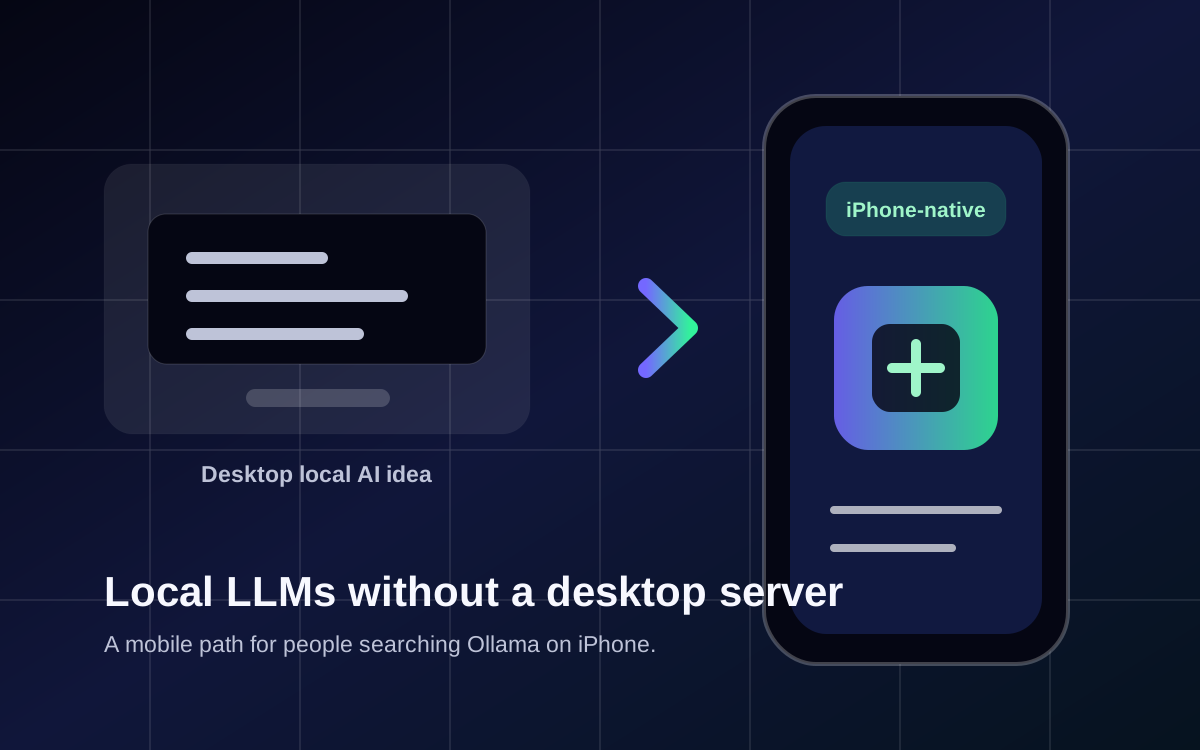
Ollama iPhone alternative
A mobile local LLM path for people who want local AI on iPhone.
Read guideCompare features before you install.
Use these deeper articles for model choice, privacy comparisons, image/voice workflows, and mobile setup details.
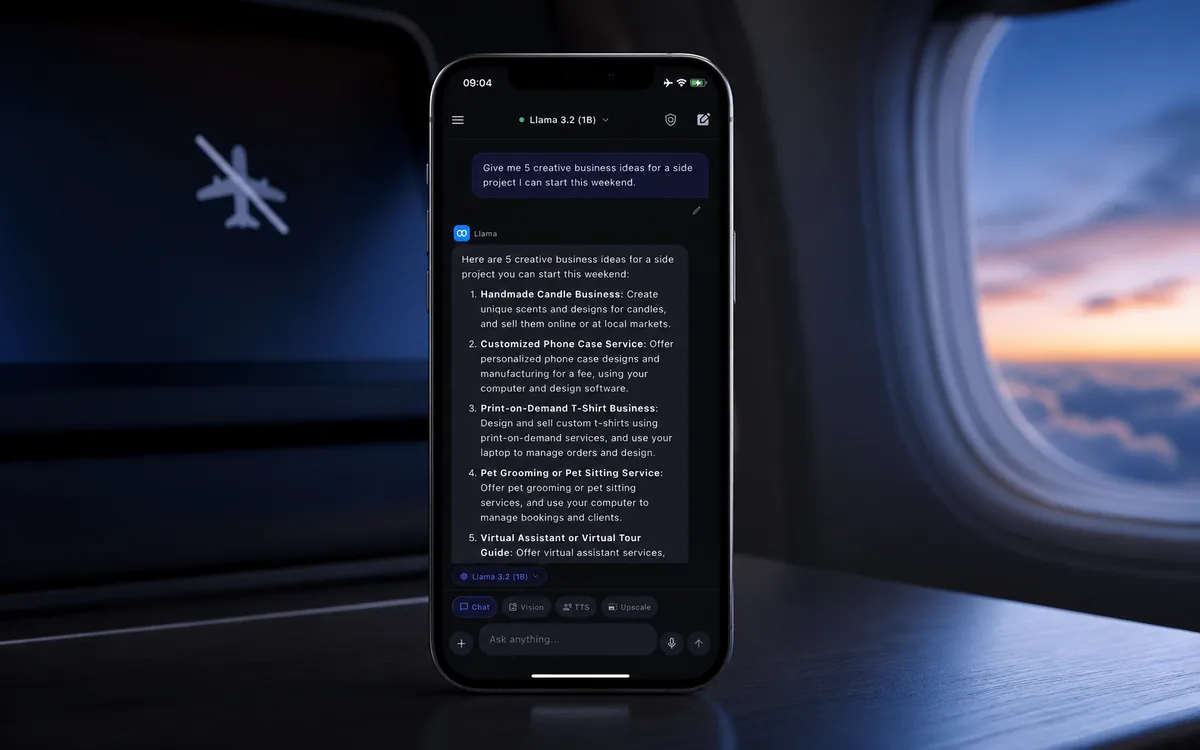
Can you use ChatGPT without internet on iPhone?
Why cloud chatbots need internet and how local AI apps fill the offline assistant gap.
Read guide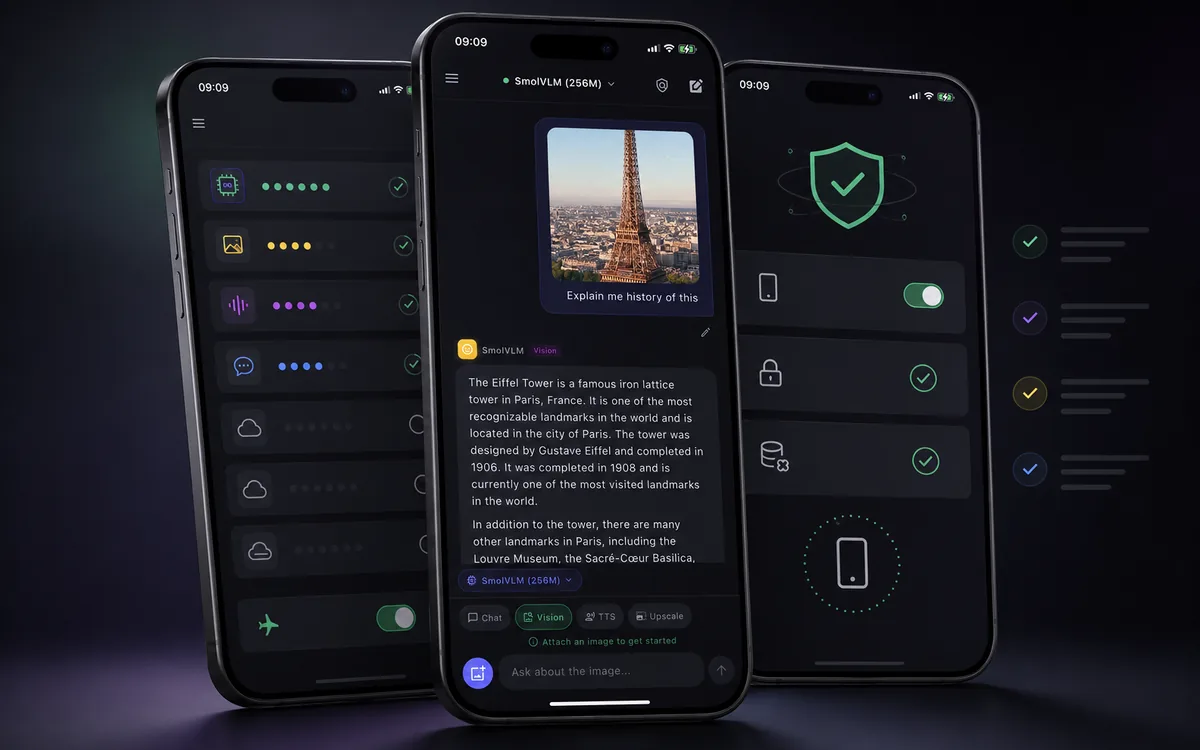
Best offline AI apps for iPhone
A comparison checklist for local models, privacy labels, GGUF imports, images, and TTS.
Read comparison
Offline AI voice chat on iPhone
How local AI chat and spoken output work, and what to check before trusting voice claims.
Read guide
Offline text to speech on iPhone
A private TTS guide for listening to local AI responses while studying, traveling, or working.
Read guide
Best local LLM models for iPhone
How to choose between Llama, Gemma, Qwen, SmolLM, GGUF imports, speed, and storage.
Read model guide
How to run local AI on mobile
A practical setup guide for iPhone and iPad users who want AI without sending every prompt to the cloud.
Read guide
Run Llama on iPhone
How to think about Llama, compatible GGUF files, model size, storage, speed, and offline testing.
Read article
Run Gemma 4 on iPhone
What Google's mobile-first open model push means for local AI, compatible imports, and iPhone workflows.
Read guide
Best offline AI chat app for iPhone
A buyer-focused guide for people who need AI without Wi-Fi, cloud accounts, or API keys.
Read guide
Private AI chat vs cloud AI
How local AI changes the privacy model for prompts, photos, notes, and sensitive drafts.
Read comparison
How local LLMs work on iPhone
What local models, GGUF imports, and on-device inference mean for mobile AI users.
Read articleNewer guides by model and by who you are.
Pick a specific model to run, or a workflow that fits how you actually use AI on iPhone.
Run Qwen on iPhone
Pick a Qwen size, import a compatible GGUF, and run private offline chat on device.
Read model guide
Run DeepSeek on iPhone
Use a small distilled DeepSeek model locally and confirm it works in airplane mode.
Read model guide
Local AI for students
Summaries, explanations, and private study help that works without Wi-Fi.
Read guide
Offline AI for travel
Translate, draft, and plan with no Wi-Fi and no roaming data on the move.
Read guide
Local AI for developers
Private, offline coding help: snippets, regex, and explanations on device.
Read guide
Is local AI private?
What on-device data privacy really means and how to verify a privacy claim.
Read guide