
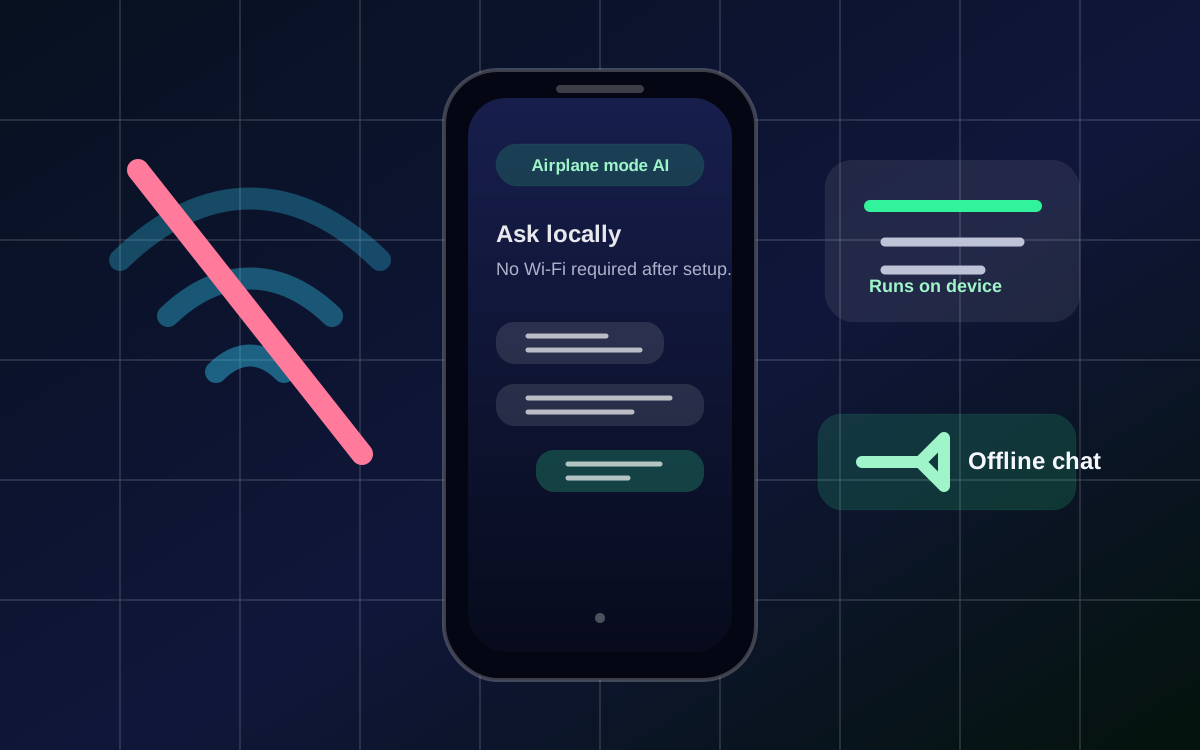
Quick answer: If you want AI without internet on iPhone, you need an app that runs the model locally. Local AI Chat is built for that workflow: supported models answer on device after setup, with no account or API key required.
When offline AI is useful
People search for AI without internet when they are traveling, using airplane mode, working with weak signal, avoiding cloud accounts, or handling private notes that should not be uploaded to a remote server.
What to install
Install Local AI Chat when you want a mobile AI app that is designed around local LLMs, privacy, and offline use. The strongest first test is simple: set up a supported model, turn on airplane mode, and ask it to summarize a saved note.
- Download Local AI Chat from the App Store.
- Choose a supported built-in model or import a compatible GGUF model.
- Turn on airplane mode and test a real everyday prompt.
Related local AI pages
Languages
Install path: Download Local AI Chat on the App Store and test AI without internet on your own iPhone.