
Local LLM chat
Chat with built-in open-source models such as Gemma, Qwen, and SmolLM, optimized for mobile use.

Local AI Chat gives you an offline AI chatbot, local LLMs, image understanding, and text-to-speech without sending supported chats to a cloud server.
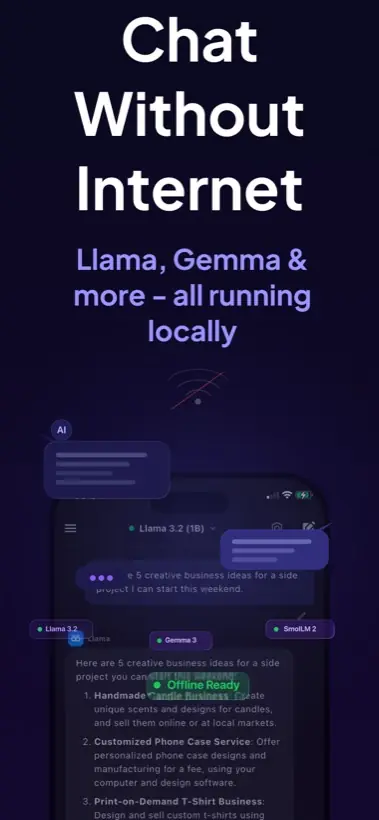
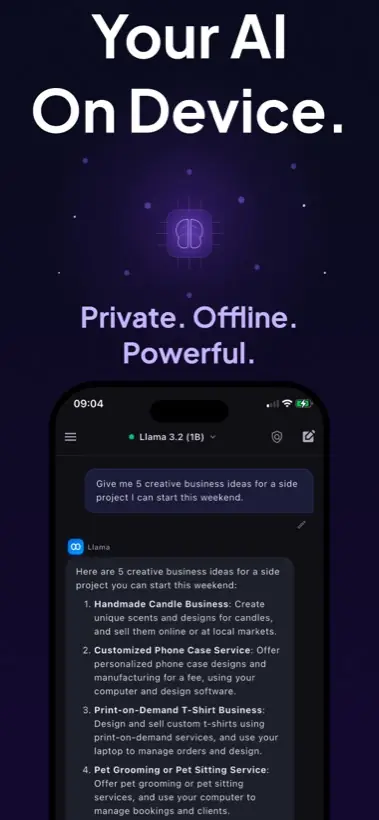
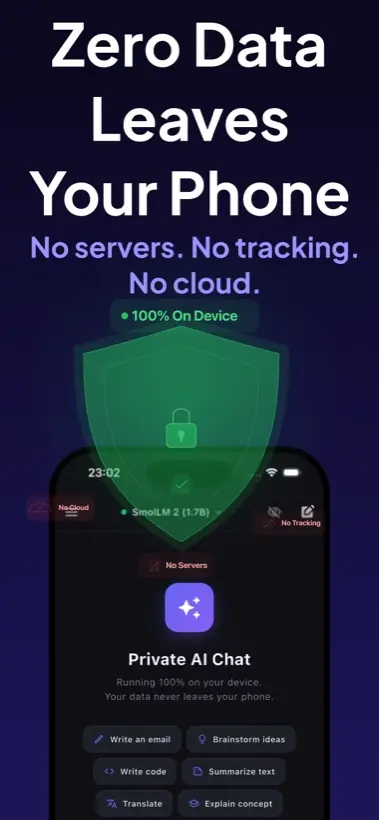
Most AI assistants assume every prompt should leave your device. Local AI Chat is designed for the opposite: everyday help from models that run locally on Apple hardware.
Chat with built-in open-source models such as Gemma, Qwen, and SmolLM, optimized for mobile use.
Use AI in airplane mode, on trains, during travel, or anywhere cloud assistants are unavailable.
No account, no tracking, no analytics, and no telemetry. Apple lists the app privacy label as data not collected.
Ask questions about photos, screenshots, documents, notes, objects, charts, and diagrams locally.
Listen to responses with natural voices for accessibility, learning, commuting, or hands-free use.
Bring compatible GGUF models like Llama, Mistral, Phi, or other favorites when you want more control.
Cloud assistants are useful, but they require a network connection and send your prompts away for processing. Local AI Chat gives you another mode: AI that runs where your private notes, questions, photos, and ideas already live.
Start with the problem you want to solve on iPhone: offline access, on-device privacy, model imports, or practical mobile AI tasks.
For travel, airplane mode, weak signal areas, and blocked networks.
For people who want prompts processed locally on iPhone or iPad.
For importing compatible local LLM model files by URL.
For desktop local AI users who want an iPhone-native workflow.
For people searching for AI that works without Wi-Fi or cellular data.
For privacy-focused users who do not want prompts sent to servers.
For users who want on-device language models and GGUF import control.
Writing, coding, summarizing, translating, studying, and travel workflows.
For asking questions about photos, screenshots, notes, and documents.
For listening to generated responses with natural voices.
Practical guides for choosing offline AI, private AI, local LLMs, mobile model imports, voice, and image workflows.
Why cloud chatbots need internet and how local AI fills the airplane-mode gap.
Read guideThe feature checklist for privacy, local models, GGUF imports, image support, and TTS.
Read comparisonHow to listen to local AI responses privately while studying, traveling, or working.
Read guideThe practical iPhone and iPad setup path for offline models, storage, privacy, and speed.
Read guideHow to choose compatible GGUF models and test local LLM chat in airplane mode.
Read articleWhat mobile-first open models mean for private AI workflows on iPhone.
Read guideWhat to look for when you need AI that works without internet and keeps conversations on device.
Read guideWhen local AI is the better choice for sensitive notes, screenshots, drafts, and personal questions.
Read comparisonA practical overview of on-device models, GGUF imports, privacy, and mobile AI tradeoffs.
Read articleInstall Local AI Chat from the App Store and start using a private AI assistant designed for iPhone and iPad.