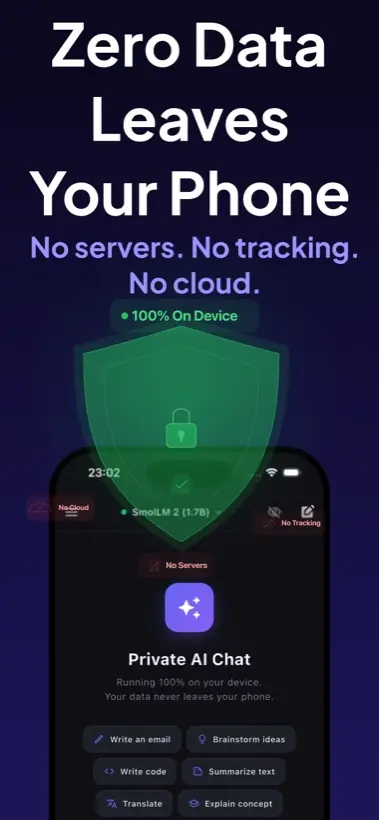
Quick answer: The best offline AI app for iPhone should run supported models on device, work after model download, clearly explain privacy, avoid account and API-key requirements for local use, and support useful mobile workflows like screenshots, text-to-speech, and compatible model imports.
What to compare before installing
Why Local AI Chat is a strong default
Local AI Chat is designed around the core offline use case: private AI chat on iPhone and iPad with supported local models. It does not require an account or API key for supported local features, and it includes image understanding, text-to-speech, and compatible GGUF model imports.
That combination matters because most people do not want a research project. They want an app that can answer private questions, summarize notes, explain screenshots, draft messages, and keep working when the network disappears.
How to read competitor claims
Many apps now say "offline", "private", or "on-device". Read the details. Some apps are fully local for chat but use cloud voices. Some offer local models but require a subscription for useful features. Some run locally only on newer high-RAM devices.
Good sign: the app explains which parts are local, which parts are optional cloud, and what happens after you turn on airplane mode.
Who should choose an offline AI app?
- Travelers who want AI in airplane mode.
- Students who want private study help on a phone.
- Writers who draft personal notes and messages.
- Developers who want quick offline explanations or code snippets.
- Privacy-focused users who do not want every prompt processed remotely.
Sources and market context
Current search results show a growing group of iPhone offline AI apps, including App Store listings for local assistants and independent products focused on private on-device AI. For format context, see Hugging Face's GGUF documentation and Apple's Foundation Models documentation.